
Discover a recipe
Search a credited, hosted cookbook library.
Find your recipe. Make it yours. Cook with confidence.
Find, scale and cook recipes step by step, then plan meals and build a shopping list.
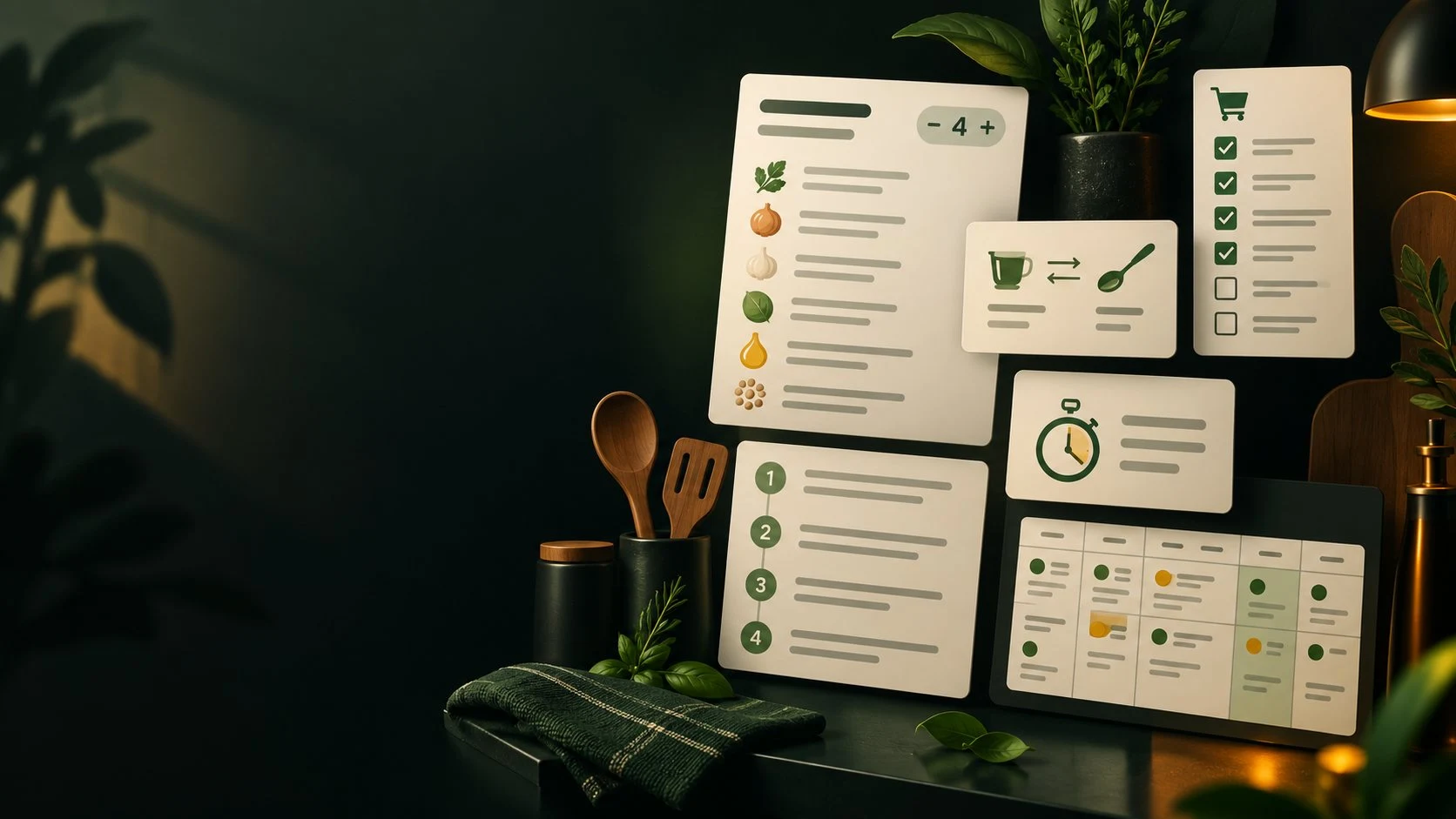
From the kitchen to the table
A calm way to decide what to cook and follow it through.
Search a credited, hosted cookbook library.
Scale ingredient quantities for your table.
Follow large-type instructions with timers.
Build a week of meals and one shopping list.
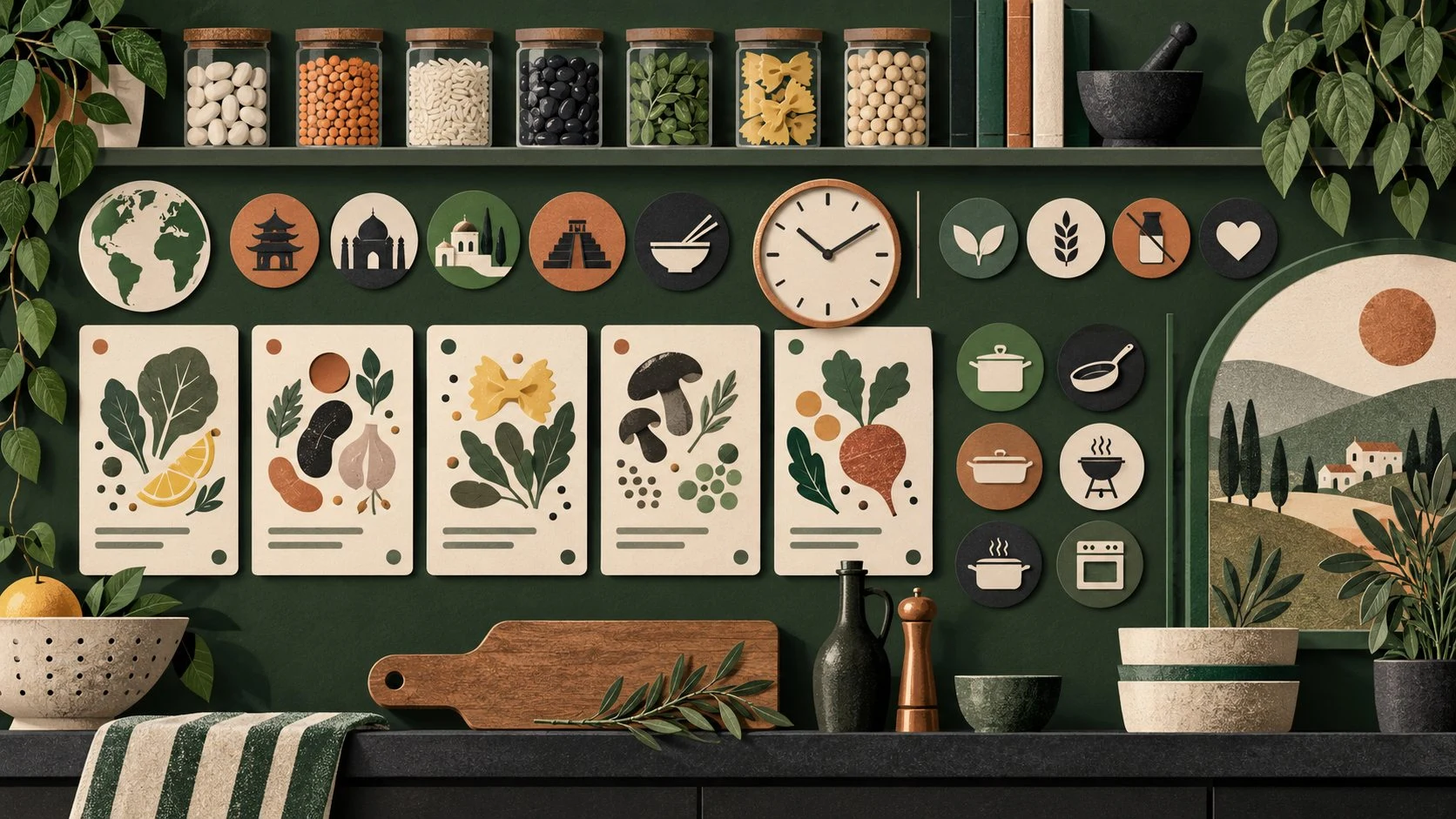
Find the recipe that fits your kitchen
The illustration represents recipe discovery, not an application screenshot.
Search by cuisine, diet, meal, method, time and difficulty.
Use your available ingredients to narrow recipes and explore related recipes.
Your ingredients, your next meal
Start with what you have and the time you can use.
Narrow recipes around available ingredients.
Choose cuisine, diet, meal, method, time or difficulty.
Set servings and choose metric or US units.
Use large-type cook mode and recipe timers.
Your recipe workspace
Bring recipe search, clear quantities and practical planning together.
Filter by cuisine, diet, meal, method, time and difficulty.
Adjust ingredient quantities for the number you cook for.
Convert quantities where it is safe and keep the rest as written.
Follow large-type steps with timers taken from the recipe.
Find recipes that fit ingredients already in your kitchen.
Plan meals for the week and merge a shopping list.
Keep your recipes and favourites on your device.
Use VISINVOKE-hosted Wikibooks Cookbook recipes with linked histories.
A recipe that fits your kitchen
Keep quantities clear while you prepare.
Adjust ingredient quantities to your serving count.
Switch between metric and US units where safe.
Unsupported conversions remain as written.
See fractions in a form cooks use.
Keep your useful kitchen material
Personal recipes, plans and lists stay on your device.
Store personal recipes alongside the hosted library.
Keep favourite recipes on your device.
Organise a week of meals.
Bring planned meals into one shopping list.
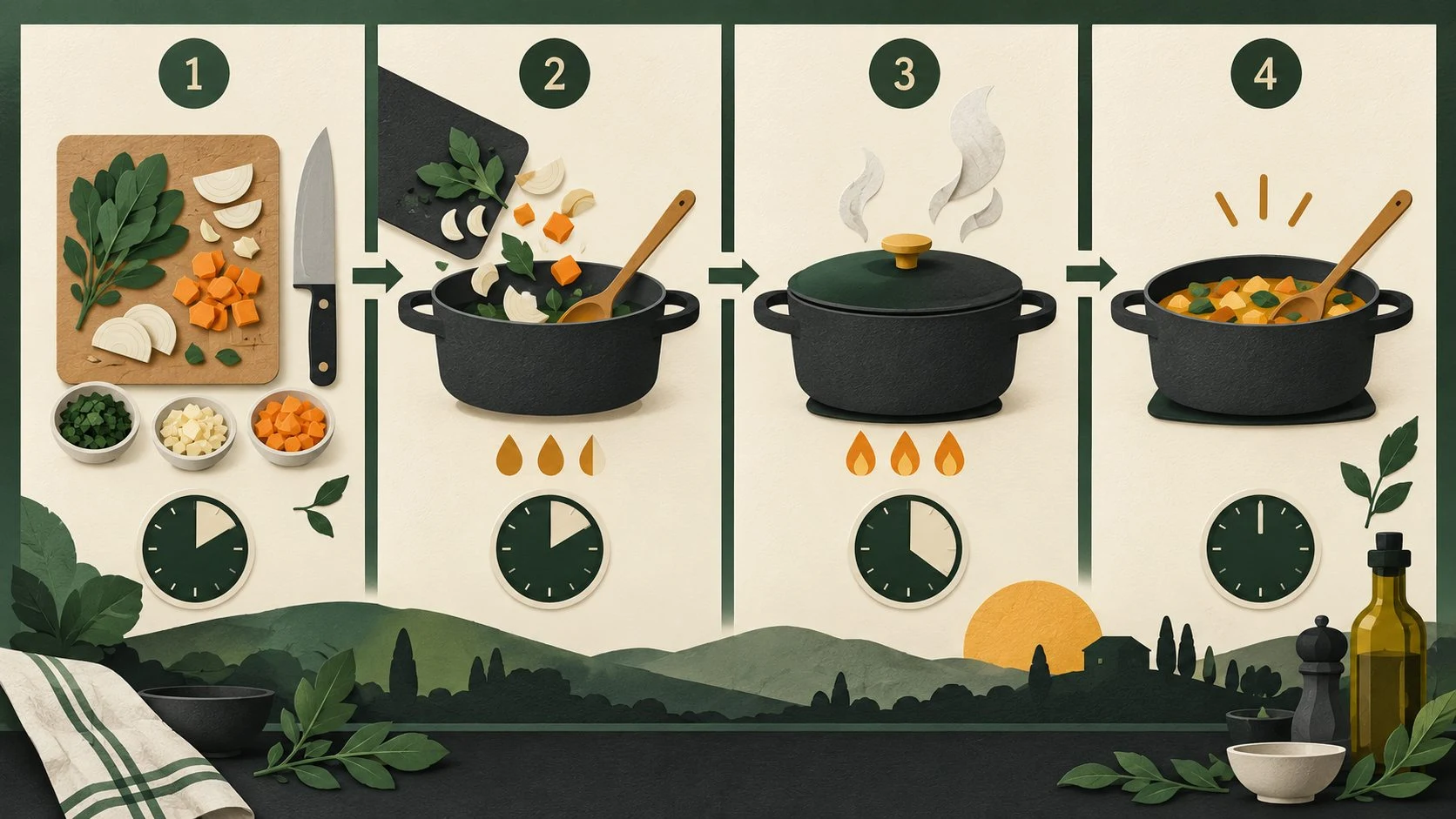
A recipe ready for your kitchen
Adjust servings and use metric or US units where safe.
Follow large-type cooking steps with timers taken from the recipe.
Quantities that cannot safely convert remain exactly as written.
Honest, credited information
Know where your recipe comes from and how to read it.
Wikibooks Cookbook contributors are credited under CC BY-SA.
Follow the history linked with each recipe.
Treat the labelled estimate within its explained limits.
No adverts, tracking or recipe photos, by design.
Free VISINVOKE utility
Use Recipes through Desktop Command Centre on Windows and Android.
Recipes is free with your VISINVOKE account.
Create an account or sign in to your existing account.
Use Recipes through Desktop Command Centre.
No adverts or tracking.
VISINVOKE means value
Clear recipes, honest quantities and calm cooking, with your own recipes kept private.

Find recipes by preferences, time and ingredients.
Scale servings and safely switch between unit systems.
Keep personal recipes, meal plans and shopping lists on your device.
Read recipes from the credited Wikibooks Cookbook library.
Explore your VISINVOKE workspace
Each card opens its own product website. Review purpose and access separately; related products do not promise included access or automatic synchronisation.

Open your VISINVOKE desktop products.

Prepare a live exchange after an established social mistake.

Build the wider setting around your campaign.

Develop the places your party travels through.

Explore separate adventure environments.

Explore separate fantasy image creation.
Product artwork is illustrative, not application screens or actual generated image output.
Quick answers
Understand search, serving sizes, cooking, meal plans and free utility access.
Find and scale recipes, follow cooking steps with timers, plan a week of meals and build a shopping list. Search the hosted recipe library or keep your own recipes on your device.
Filter by cuisine, diet, meal, method, time and difficulty. Use ingredients available in your kitchen to narrow recipes that fit what you have. Related recipes appear on each recipe page.
Scale ingredient quantities to the serving count and switch between metric and US units. Quantities convert only where it is safe; otherwise they remain exactly as written. Fractions are presented in a form cooks use.
Plan a week of meals and merge them into one shopping list. Personal recipes, favourites, plans and lists stay on your device rather than becoming public recipe content.
VISINVOKE hosts a converted Wikibooks Cookbook library. Recipe text credits Wikibooks Cookbook contributors under CC BY-SA and links each recipe’s history. Nutrition is labelled as an estimate with explained limits, not dietary or medical advice. There are no adverts or tracking and no recipe photos, by design.
Recipes is a free VISINVOKE utility with your VISINVOKE account, through Desktop Command Centre on Windows and Android. Create an account or sign in to review your products.
Continue in VISINVOKE
Create a free VISINVOKE account for free utility access.
Use your account installer page for Desktop Command Centre.
Open Recipes through Desktop Command Centre on Windows and Android.